
Every Streamer should have a stream deck. Here are the best ones.
A stream deck can really help elevate your stream, it can create seamless transitions, set markers so you can go back to create clips, sound effects, chat commands, and all at the click of one button!
There are so many to choose from, which is the best bang for your buck? Great question - Let’s dive in!
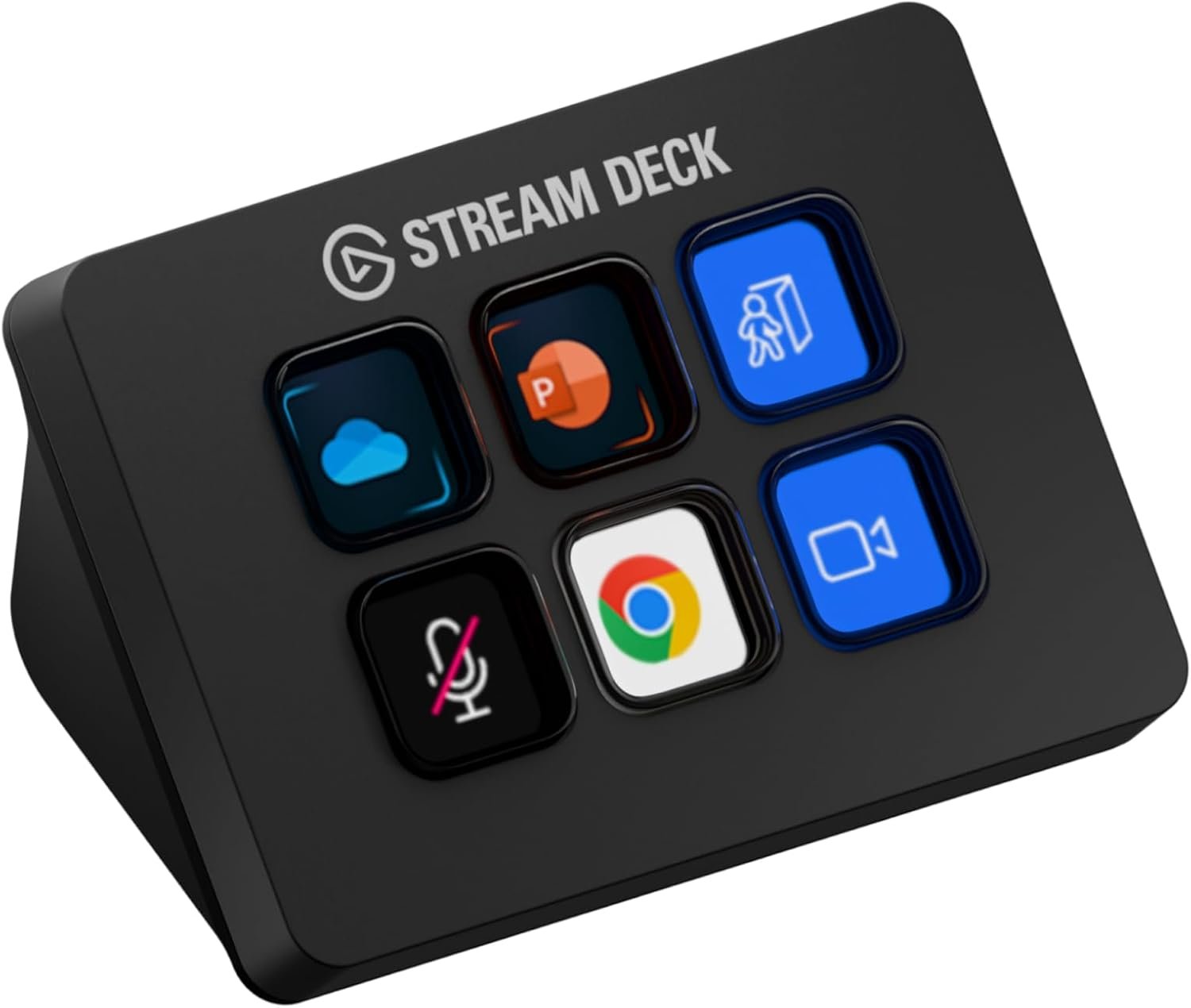
THE ELGATO STREAM DECK MINI
One of the more basic Stream Decks that you can buy is the Elgato Stream Deck - Mini (Amazon). As the name states it is a small version of the standard sized Elgato Stream Deck. This ‘Mini’ stream deck had 6 buttons but has over 7.5k 5 star reviews on Amazon showing that it may be smaller than average but it is definitely mighty!
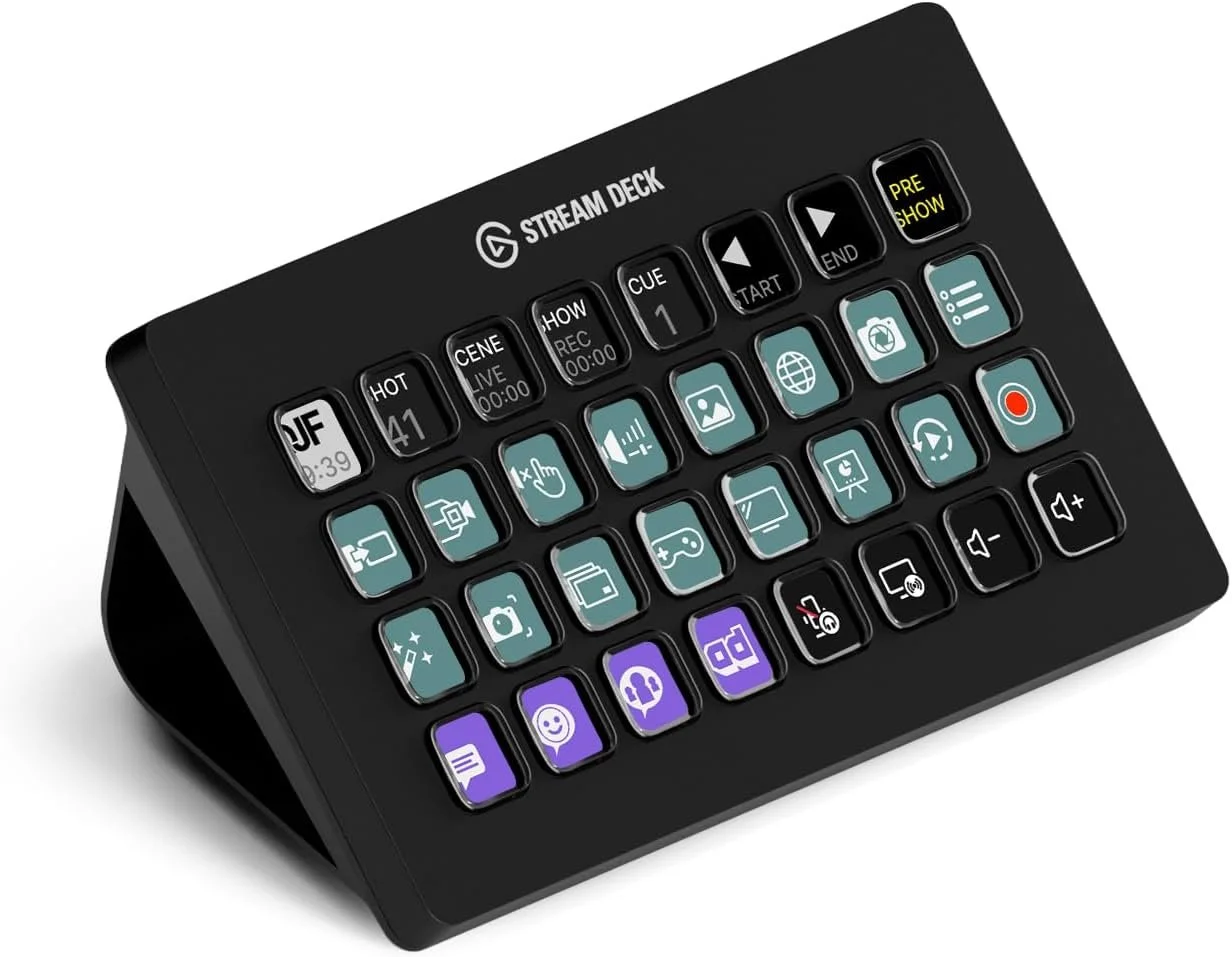
THE ELGATO STREAM DECK XL
On the opposite end of the scale to the Mini is the Elgato Stream Deck XL (Amazon). This has 32 buttons in total meaning you will be able to create the slickest content while live. You can also reprogram these buttons between stream so you can keep your audience guessing as to what you are going to do next.
As you might imagine this is a little more pricier than the Mini but may be worth it if you are looking to take your stream content & management seriously.
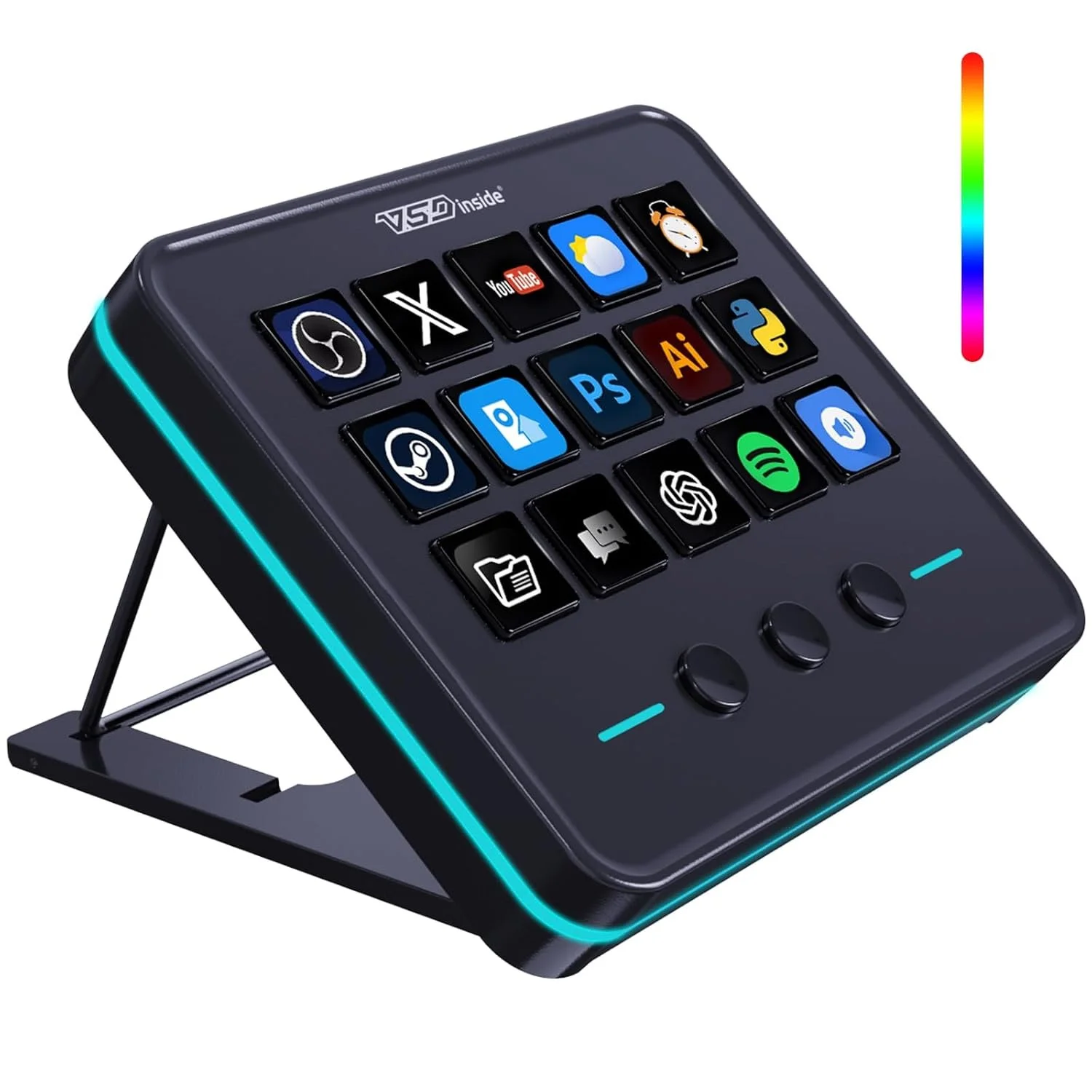
VSDINSIDE STREAM DECK
This is one of the more budget options available to you but still a great piece of kit. The VSDINSIDE Stream Deck (Amazon) has 18 programmable keys for you to set up to your hearts content. It also comes with a Visual AI Pad and USB Soundboard too.
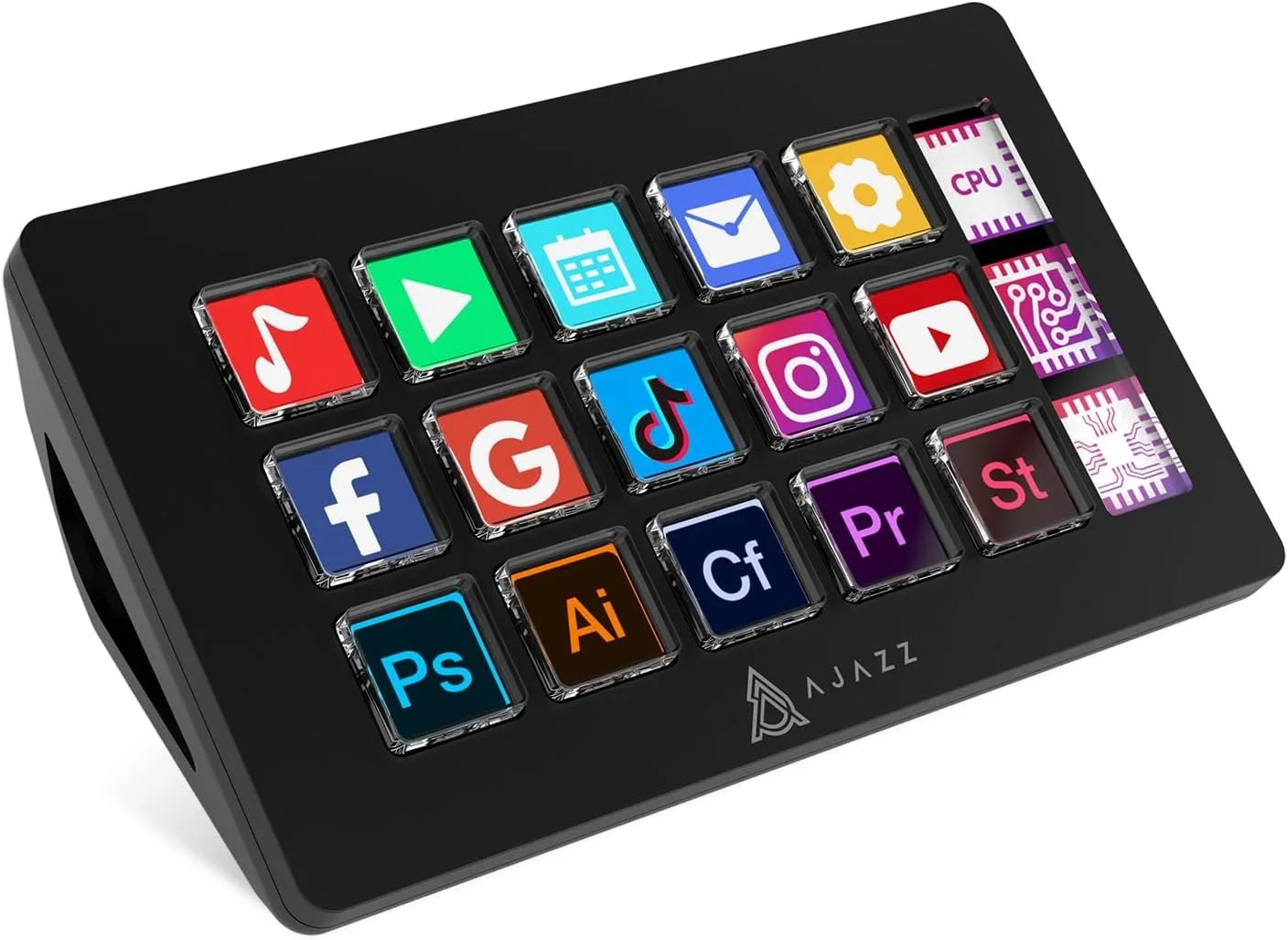
AKP153 STREAM DECK
You want more than the standard buttons but don’t want to make the big investment into the XL? Don’t worry there is a middle of the road option available to you in the form of the AKP153 Stream Deck (Amazon). This has 15 programmable keys & won’t set you back anywhere near as much as the XL.
These are just a few of the options available to you in the stream deck market. The space is dominated by Elgato but there are some players making a case for why you should use them. I personally have used the mini for a couple of years and where I am looking to upgrade I don’t feel the need to just yet. It all depends where you are on your streaming journey and what sort of content you create. For example there is a streamer who does Family Guy-style cutaway sections of his stream and with the use of one of these he can transition into that video easily, quickly, and seamlessly. Making sure he doesn’t interrupt the flow of his stream. Conversely there are also streamers who just need to mute their mic and put their chat on slow-mode making the mini’s 6 buttons more than enough.
Which will you be picking up?
(This article contains affiliate links to Amazon)